HomePod 27.2 brings Sound Glow to older HomePod models
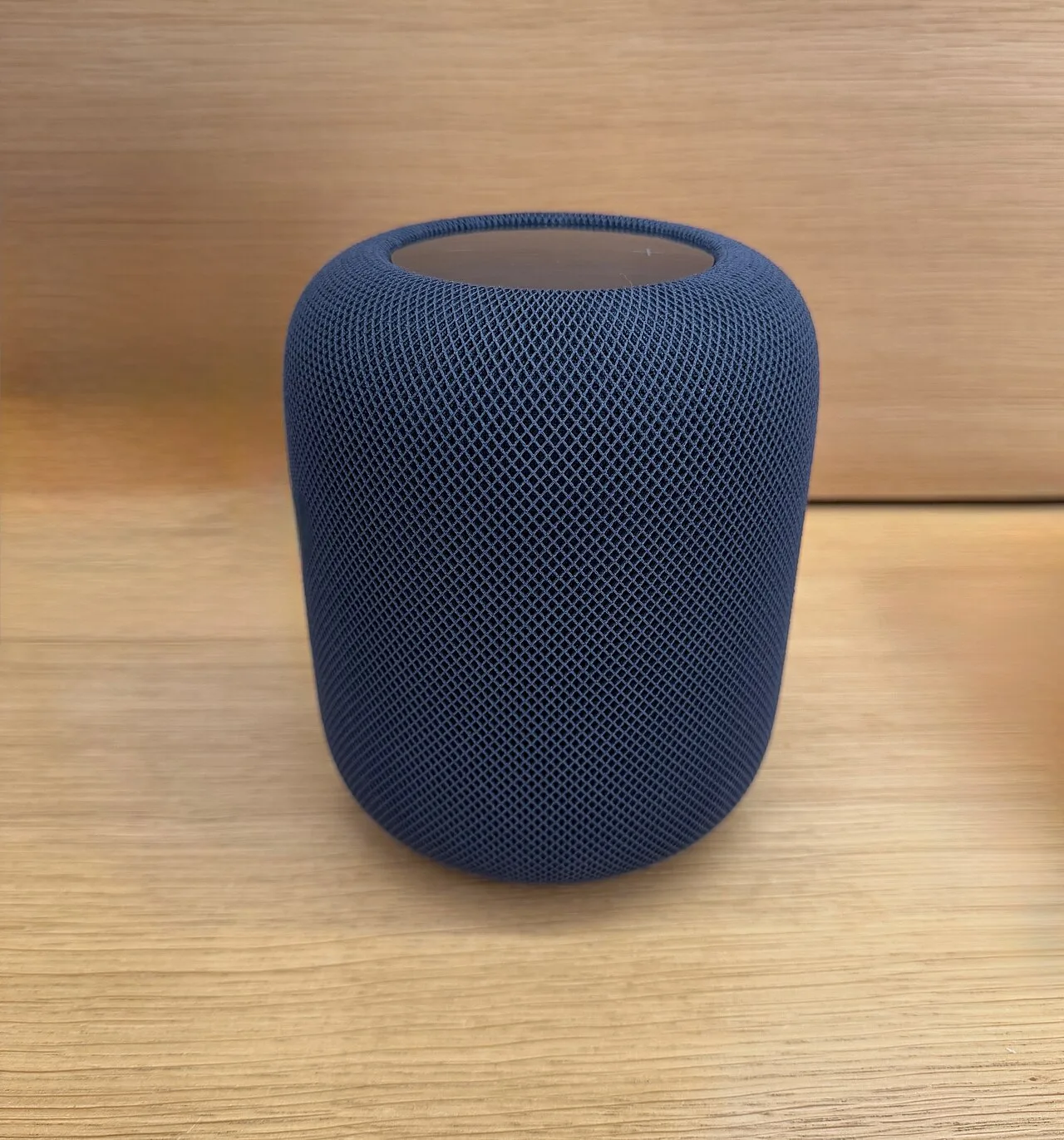
Sound Glow, introduced as a HomePod mini 2 feature, is coming to older speakers. HomePod Software 27.2 brings it to the second-generation HomePod and the original HomePod mini as well as the HomePod mini 2.
The original 2018 HomePod does not get it.
How Sound Glow works
With the feature on, the top of the speaker lights up with colour that pulses in sync with whatever is playing. MacTrast describes it as turning the top of the speaker "into a visual canvas that glows and pulses in sync with the music, reacting in real time to bass and treble."
The colours come from album artwork, so a song's Now Playing art produces its own colour-matched light show. It also works with podcasts and Apple's ambient music feature, and users can pick a soundscape such as rain to trigger custom animations. The light usually shows two or three dominant colours from the cover, with a white glow ball that moves slightly to give the effect a bouncy motion.
Release and settings
Version 27.2 is out as a release candidate for developers and public beta testers, and it should reach everyone the following week. After updating, owners can turn Sound Glow on in the HomePod settings. When the speaker is paired with an Apple TV, the toggle is also in the Apple TV Control Center.
One hands-on write-up found Sound Glow switched off by default on a HomePod mini. On a Mac, the toggle is in the HomePod settings of the Home app in macOS 27 Golden Gate. In tvOS 27 it appears only when the HomePod is the default speaker for the Apple TV, not when sound is routed to it temporarily; the path is Settings, Video and Audio, Audio Output.
The update has more in it. HomePods can be set as the default speaker for a Mac, and HomePods or HomePod mini 2 units can serve as surround sound for an Apple TV. A new Lock Controls feature turns off touch interactions with the top of the speaker.
Source: MacRumors