MacWhisper 16 learns to name speakers by their voice
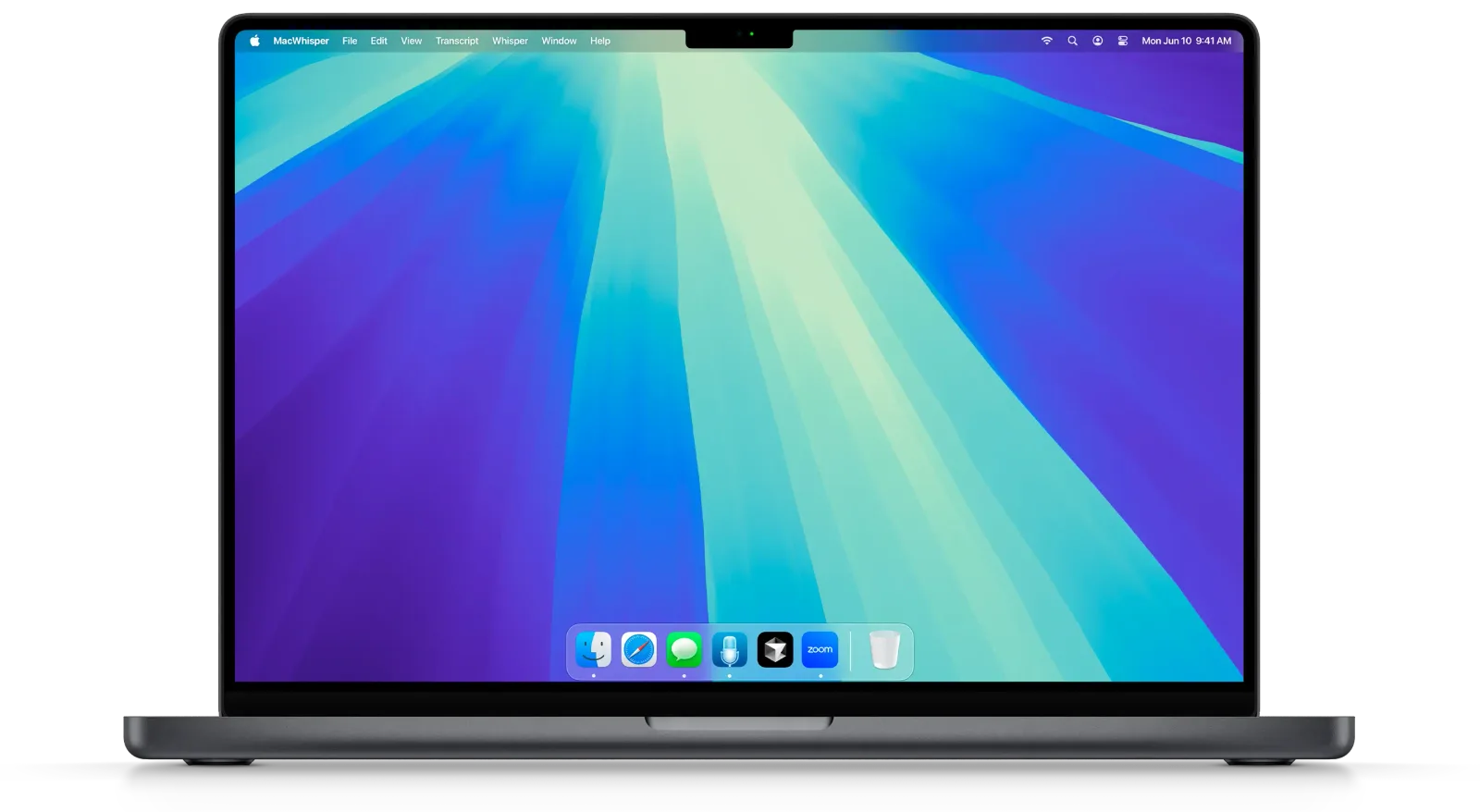
Anyone who transcribes interviews or meetings knows the chore: the app splits the speakers, then you type every name again. MacWhisper 16 removes much of that step by recognizing people from their voices.
Who gets it, and at what price
Voice recognition is a Pro feature. It runs only on an Apple silicon Mac, and on-device transcription with speaker detection has to be switched on.
Developer Jordi Bruin released version 16 this week. To mark the launch and Black Friday, he is selling it with a 25% discount for the week.
How a name gets attached to a voice
Speaker diarization is the step where software works out that one recording holds several different people. MacWhisper already did this. What it left to you was naming each speaker, again, in every new transcript.
Version 16 keeps a set of voiceprints for people you have named before and compares new recordings with them. A confident match gets the name automatically. A weaker one makes the app ask you to confirm who is speaking.
Matched people appear in the transcript's People list under the label "Named by voice match". From there you can accept the name or fix it.
Teaching it with recordings you already have
You do not have to start from zero. In Settings > People, a Voice Recognition section can build voiceprints from transcripts already on your Mac. The same section lets you forget one person's voice or turn the whole thing off.
According to Bruin, the more recordings you transcribe with the same people, the better the app gets at spotting them. All voiceprint processing and storage happen on-device.
Changes for live meetings
Live transcription gets the feature with one limit: names for recognized voices are assigned after the meeting ends. If you named someone mid-call, that name stays.
The meeting window itself changed. It looks different, stays above other apps unless you press its pin button, and lets you click a speaker's name to rename them. While you type, the app suggests people you created in the past.
One bug is gone as well: a speaker's right-click menu used to close on its own while people were talking.
It is not clear how the app decides what counts as a confident match, or how often it asks for confirmation.
Source: 9to5Mac