Samsung's Android laptops may borrow your Galaxy phone's camera
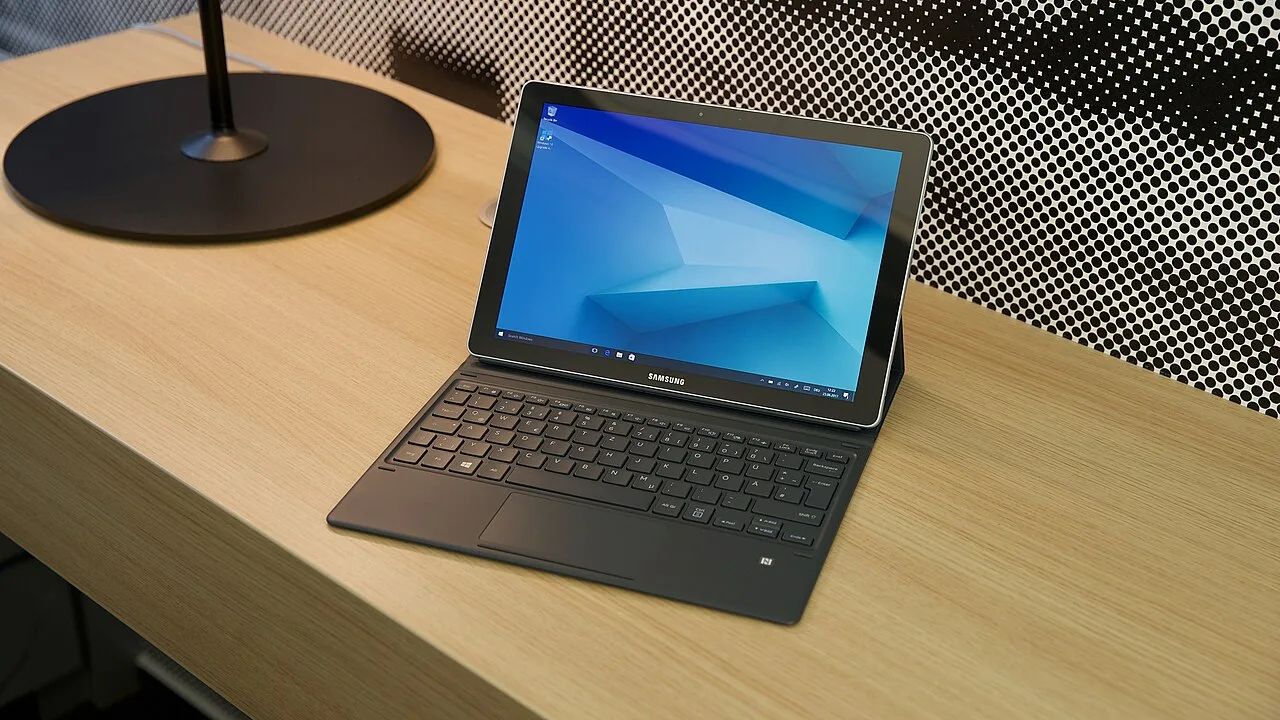
Samsung's upcoming Origin laptops are shaping up as an extension of a Galaxy phone, with the system itself taking over its camera, calls and apps. Fresh code in the One UI 9.5 Beta 1 points to camera sharing, calls, texts and app streaming built into the system itself.
The evidence is work-in-progress code, so any of this may never ship. Samsung has not announced the laptops, which carry the codename Origin.
A device type of its own
The beta teaches several Samsung apps to recognize an "Android PC". Continuity Service, Multi Control, Quick Share, My Files and Find My Mobile now list it separately from a Windows PC.
Camera requests look limited to that type. Samsung Internet reports a device as an Android PC only when Samsung's desktop feature flag is set, which keeps the option off Galaxy phones and tablets. Samsung Notes also gained code to ask the phone for photos and scans, and the calls app checks the same flag.
What the laptop would do
With Camera continuity, you shoot a photo or scan a document on the Galaxy phone. A panel then opens on the laptop, and you pick what goes into the document: the whole image, just the text found in it, or a single row or column of a scanned table. New icons for those choices came with the beta.
Calls could use the phone's number, and the "Call & text on other devices" app suggests texting too. A QR code would pair the laptop with the phone. The link runs through the Samsung account and the phone's default calling and messaging apps. Change those apps on the phone and the laptop warns that calls and texts may stop working.
App streaming means using the phone's apps from the laptop. Leaked screenshots of an internal build showed it in August under the name App Mirroring. SammyGuru reported that Origin laptops will support App streaming, which seems to be the same thing renamed. The beta carries that name across Samsung's apps, and Smart View will not run alongside it.
What other laptops do today
Camera continuity itself is not new for Samsung. It came with One UI 7 on Galaxy Book laptops, but there it depends on Windows apps such as Samsung Notes and Microsoft Office. Samsung's Chromebooks lack it, and ChromeOS Phone Hub shows only the phone's recent photos.
For calls and texts, Galaxy Books use Samsung's Phone app for Windows or Microsoft's Phone Link. Chromebooks rely on Phone Hub, which does not support Samsung's Call & text. Googlebooks send texts through Google Messages tied to a Google account, and the phone needs Android 17. Google's Galaxy phone support from last month lets Googlebooks cast apps, hand off tasks, open files and show notifications, but not place calls.
Streaming is split too. Phone Link handles it on Galaxy Books. Phone Hub does it on Chromebooks only for select phones, and Samsung phones seem to be left out. Googlebooks use Cast My Apps, which has worked with Galaxy phones on One UI 9 since October.
Google's Googlebook phone features centre on streaming, task handoff and files, not camera inserts. It is unclear whether Origin will ship Google's streaming, Samsung's, or both.
Source: Android Authority