Samsung's Recompose could change a photo's angle after the shot
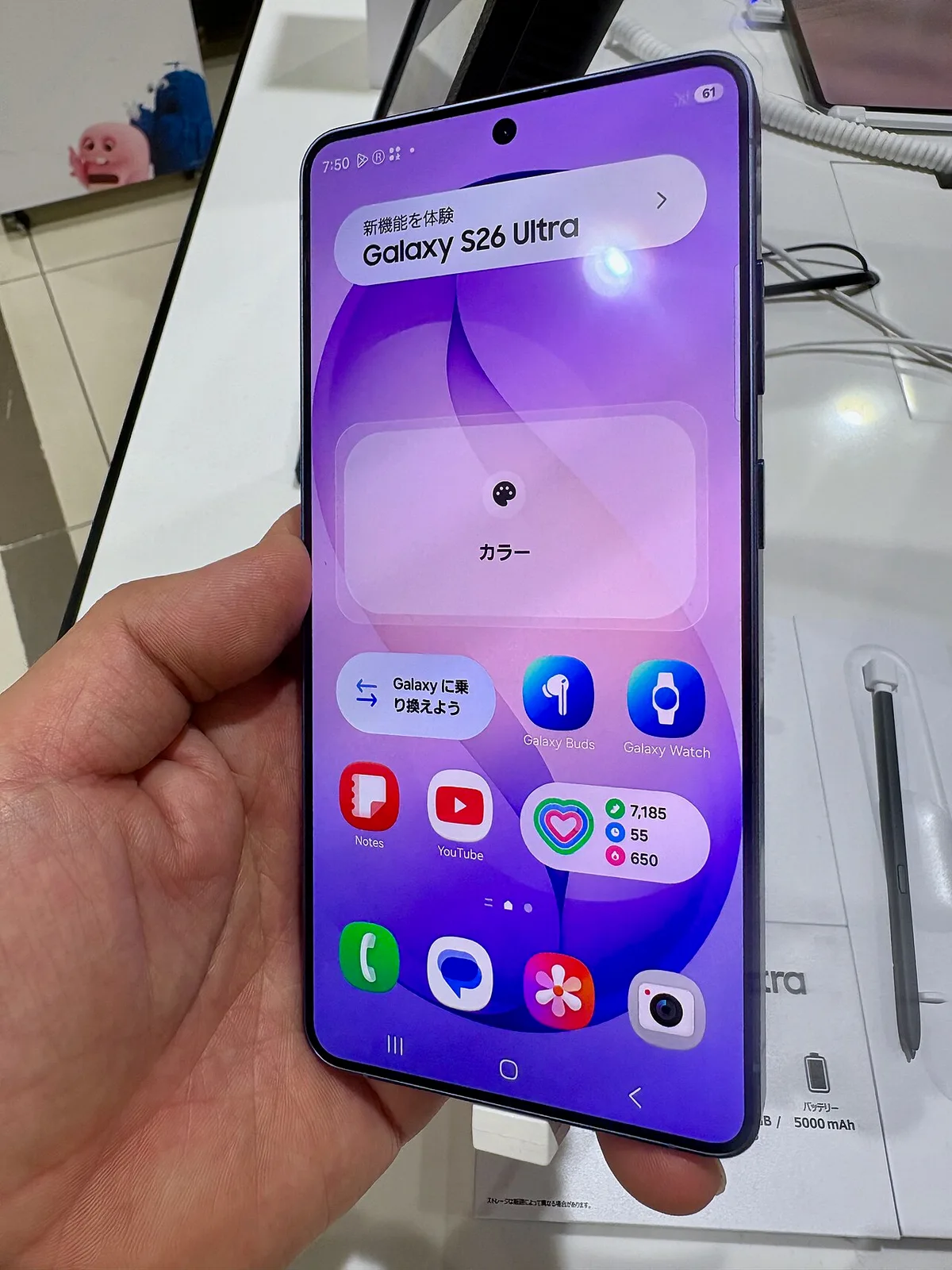
Changing the angle of a photo after you have taken it is the idea behind Recompose, a Galaxy AI tool that Samsung seems to be building. Android Authority found traces of it in the One UI 9.5 Beta 1 code, inside Photo Assist.
Hidden on the Galaxy S26 Ultra
The reporters tested on a Galaxy S26 Ultra. Even with the Spatial Core add-on installed, the phone showed only "Move" in photos and no "Recompose".
The handset meets the 3D photo requirement. The blocker is a version number: Samsung tied the feature to a newer Galaxy AI version than the one this phone reports. Nobody knows yet whether Samsung will raise that number for the S26 series or keep Recompose for newer devices.
The same gate covers a second change. Photo Assist's Style tool, named Restyle in the code, lists four model versions: IMAGEN_2, IMAGEN_3, GEMPIX and a new one called GPT. The S26 Ultra asks Samsung's servers for GEMPIX, a codename Google has used for its Nano Banana models. Devices with the newer version switch to GPT.
The label could hint at an OpenAI image model. Still, the request path shows no link to OpenAI. The phone only sends a version label, and Samsung's servers pick the model that actually runs, so "GPT" may be an internal name. Neither company has announced an image model deal for Galaxy AI.
Size and shape limits
The code hints at input limits. A photo would likely need a shorter edge of at least 500 pixels and an aspect ratio from 9:21 to 21:9. Bigger photos would probably be scaled down to 12MP before processing.
There is also a hidden internal setting, "3D recomposition Model", with the options "NB2" and "NB2.1". They seem to point to Google's Nano Banana 2 and 2.1 image models. This build removes the setting from the app's settings page.
What the cloud does and what the phone does
Generative fill has no on-device option in the code. I would expect Recompose to need a connection and a Samsung account, as other generative edits on these phones do.
Spatial Core is a 153MB add-on from the Galaxy Store, the same one One UI 9.5's Live effect asks for. Photo Editor checks for it before opening Recompose. Most of its size appears to be ArcSoft's 3D photo models. The app asks for no internet access, so the 3D part looks built to run fully on the phone.
How the edit would work
In the code, the process has two stages. Photo Editor first hands the photo to Spatial Core, which builds a 3D scene with a depth map from the focal length and a mask of the main subject. You then adjust the view in 3D. Finally, the original image and the new angle go to Samsung's cloud, which generates the finished picture.
Per the strings, one finger would tilt the view, while two fingers would pan, zoom and rotate it. A dolly-zoom slider would shift the background nearer or further, a film-style effect.
Android Authority spotted the feature in Samsung's Photo Editor app, inside the Move tool. On this phone that tool can only straighten a photo for now. On supported devices it would gain a switch between "Move" and "Recompose", plus a reset button.
The Gallery app is also changing. Photo Assist's settings appear to split into "AI eraser" and "Adjust", with Recompose, Perspective, Move and Fill background as search keywords for the second one.
Photo Assist already handles object removal, repositioning and resizing, background expansion and restyling. One UI 9.5 added Live effect, which turns still photos into 3D wallpapers. Recompose seems to join the two ideas.
The reporting rests on work-in-progress code, and these features may not ship. Samsung has not officially announced Recompose or the new Style model.
Source: Android Authority