Push 3 gets a Step Sequencer and custom layouts with Live 13
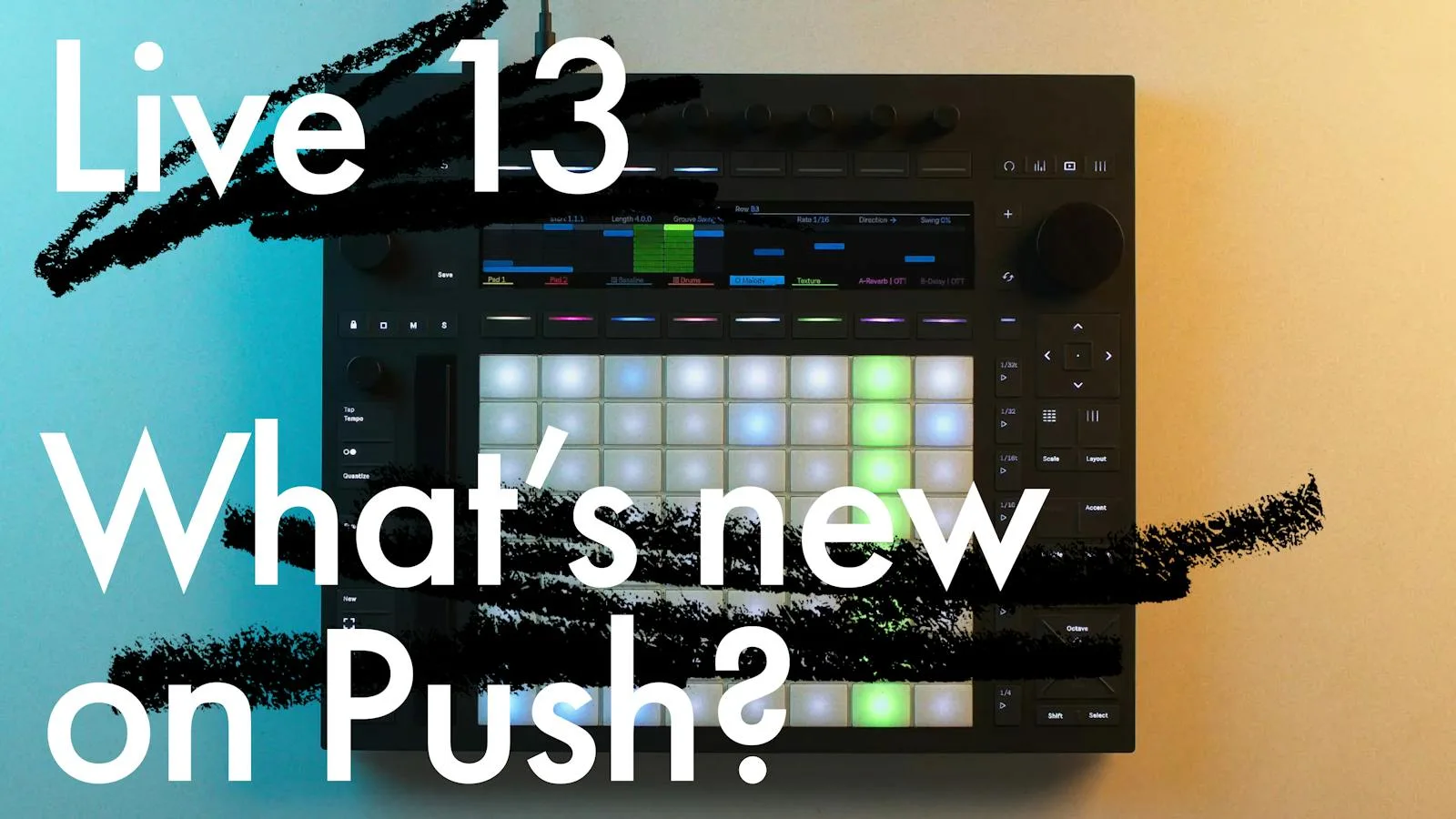
Ableton is taking its Live 13 feature set to both Push 3 models, and the headline item is a Step Sequencer built into the hardware. The update is tied to the Live 13 announcement.
Two models, one update, early 2027
The changes apply to Push 3 and to Push 3 Standalone. They are due at the same time as the desktop DAW, in early 2027. A public beta is already running for both devices.
Four areas are covered. Custom layouts let you build a pad surface from note areas, Session View, buttons, faders and XYZ controls, with each element tied to any track or parameter in a Set.
A new Performance Mixer layout puts scene and clip launching on the upper half of the pad grid and turns the other half into an MPE volume mixer, with levels for several tracks at hand.
Device Mode also changes. Device Mode gets a quicker jog wheel for moving through device chains and deeper controls, access to up to 32 macros, and Rack chains that can be built and run on Push without a computer.
How the sequencer is meant to work
The Step Sequencer follows Live 13's own version of the tool. Ableton says it lets you "build patterns row by row", and beats and melodies can loop and overlap on the device.
Simple patterns can grow into evolving polyrhythms. The expressive pads let you sketch in variation across velocity, pitch and chance.
What Push has gained recently
Push updates tend to track the DAW closely. Live 12.3, in September 2025, added the XYZ layout, a Rhythm Generator with four sliders for length, density, variation and shift, and Expressive Step Editing for velocity by touch. It also brought Stem Separation and support for class-compliant external audio interfaces in Standalone mode.
Live 12.4 followed in May 2026. Link Audio now streams audio between devices and apps, and Link-enabled external instruments can be captured on Push without extra gear. Tempo Follower matches Push to an incoming audio source, and MIDI controller mappings can be edited from Push Standalone. More Max for Live parameters also appear in the Device View.
Source: Ableton